How to show your remodeling work to win the next job
October 9, 2026 · Beached Folio
Every lead asks the same first question: can I see jobs you have done? Most remodelers answer it by scrolling a camera roll at the kitchen table, or by pointing to a website last touched three years ago. The work is good. The showing of the work loses jobs. This is a plain guide to fixing that, in about ten minutes per finished job.
What a lead actually wants to see
A homeowner is not buying photos. They are buying the fear that their own job will go wrong. What calms that fear is not volume, it is three things: a before and after of a job like theirs, a line about what was hard and how you solved it, and proof that the job actually finished. Five good photos with a story beat forty unlabeled ones every time.
What to photograph on every job
Build the habit into the job itself, so it costs you nothing extra:
Shoot the same spot twice
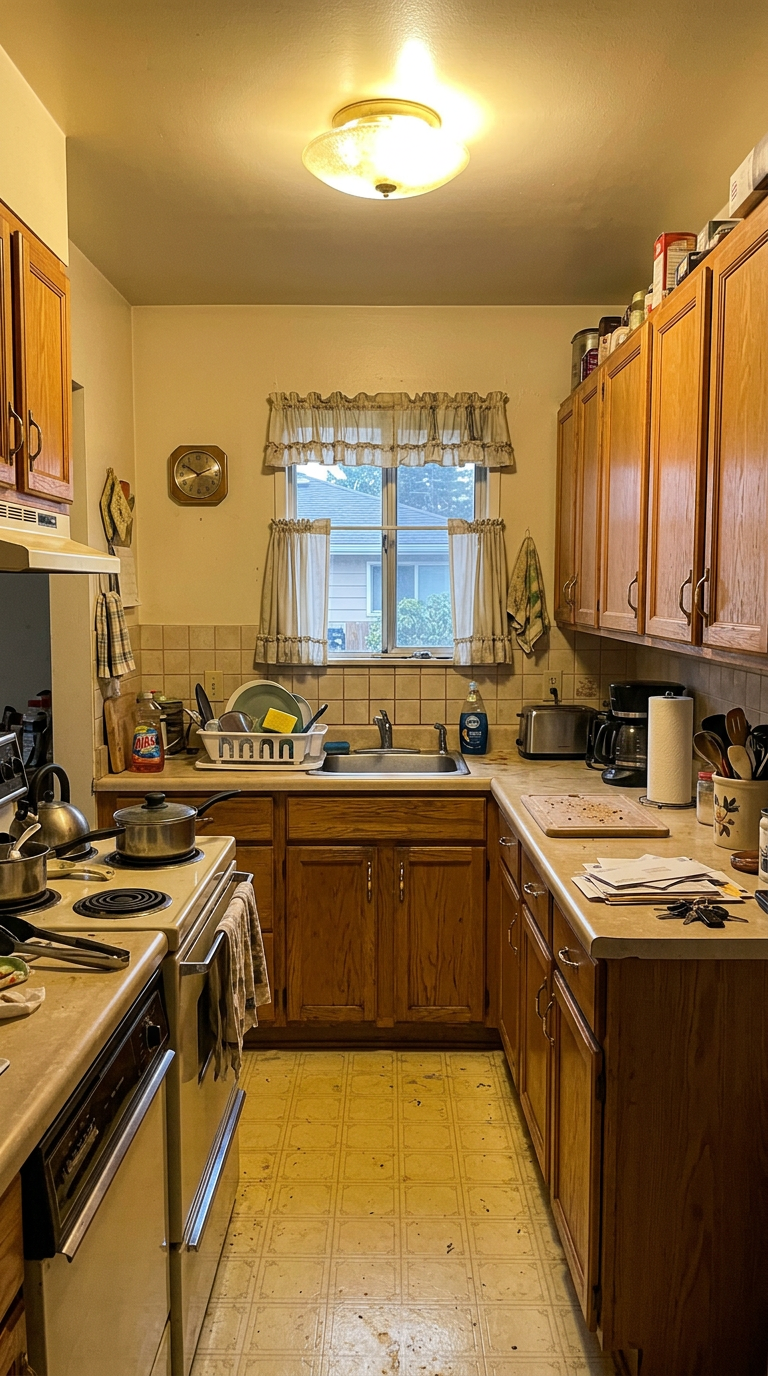
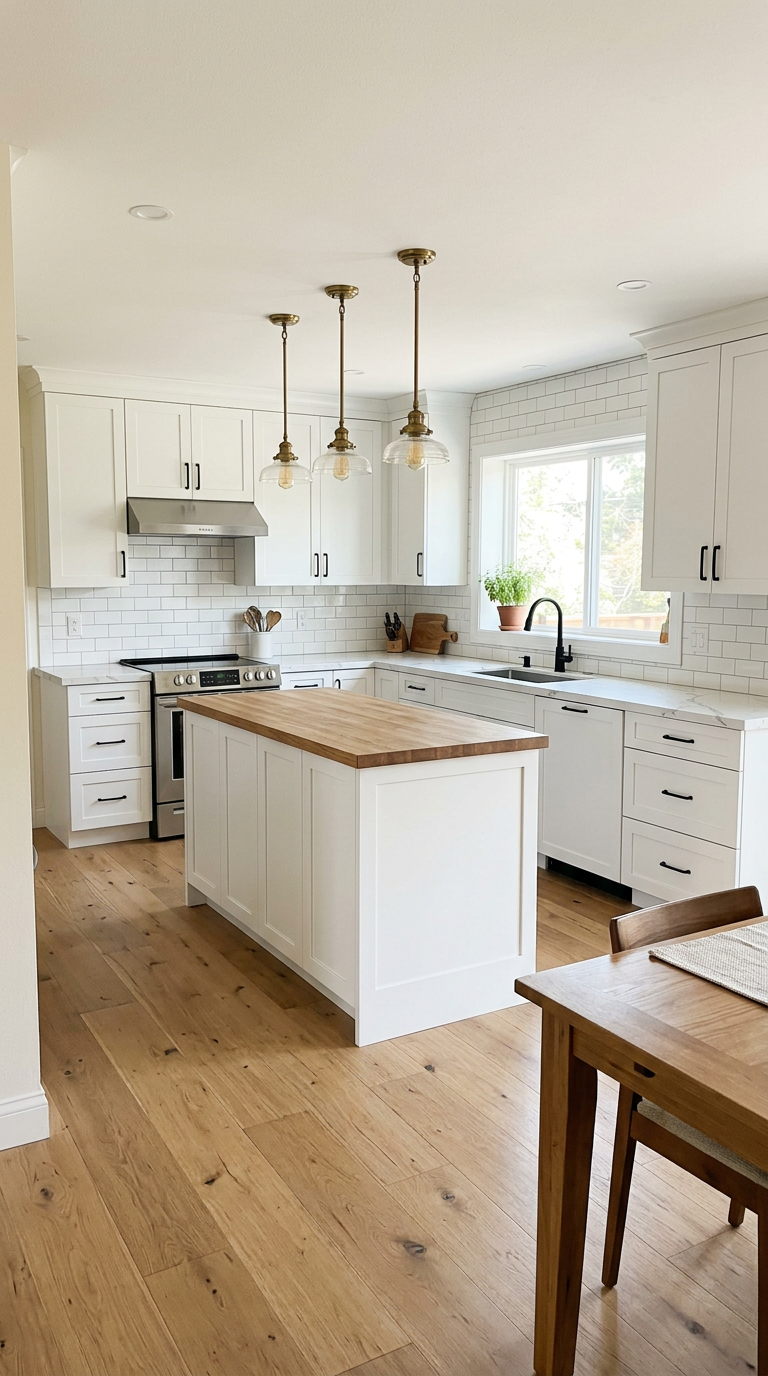
Stand in one corner before demo day and shoot the same corner when the job is done. A matched pair tells the story faster than ten random photos.
Turn the lights on
Phone cameras lie in dim rooms. Turn on every light, open the blinds, and wipe the lens on your shirt before you shoot.
Shoot wide, then close
One wide shot of the whole room, then two or three close shots of the work you are proud of. The tile line, the cabinet fit, the corner you had to solve.
Clean the frame, not the room
Move the shop vac out of the shot. Nobody expects a magazine spread, but a dropped saw in the corner costs you the first impression.
Take the after photos before you hand over
Once the homeowner moves in, the room fills up and you never get the empty-room shot back. Photograph the day you finish.
The two sentences to write
You do not need to be a writer. Each job needs two sentences: what the job was, and what the hard part was. For example: a tub-to-shower conversion in a 1970s bathroom where the drain had to move, and the new curb fits the original tile line. That is the whole write-up. If even that much stalls after a ten-hour day, that is the one step worth handing to software.
Where to share it
The point of a written page is that it has a link. Text the link when a lead asks what you have done. Send it in the same email as your estimate, so the photos are next to the number. Hand it to neighbors of the job you just finished. A Facebook post reaches whoever happens to be scrolling today; a link reaches the one person who asked.
The honest trade-offs
A full website is still worth having; a page per job feeds it instead of replacing it. Job documentation apps for crews do more than this guide covers, and cost $79 a month and up for it. And a page that sells will not run your estimates or your schedule. If you want one thing done well: every finished job becomes a page with before photos, after photos and two sentences, on a link you can text.
That is what we built Beached Folio to do. The first Project Page is free with no signup to start, and the Folio plan holds every page you make, at $149 once. This guide, and a sample Project Page, are on the site if you want to see the idea before you upload anything.
Beached Folio is built and run end to end by AI agents on NanoCorp, which is how a two-person company can keep a guide like this one current.